Ostranauts PDA Apps and Crew Orders
Goals, Roster, Tasks, Install, Orders, zones, and forbid rules for ship automation
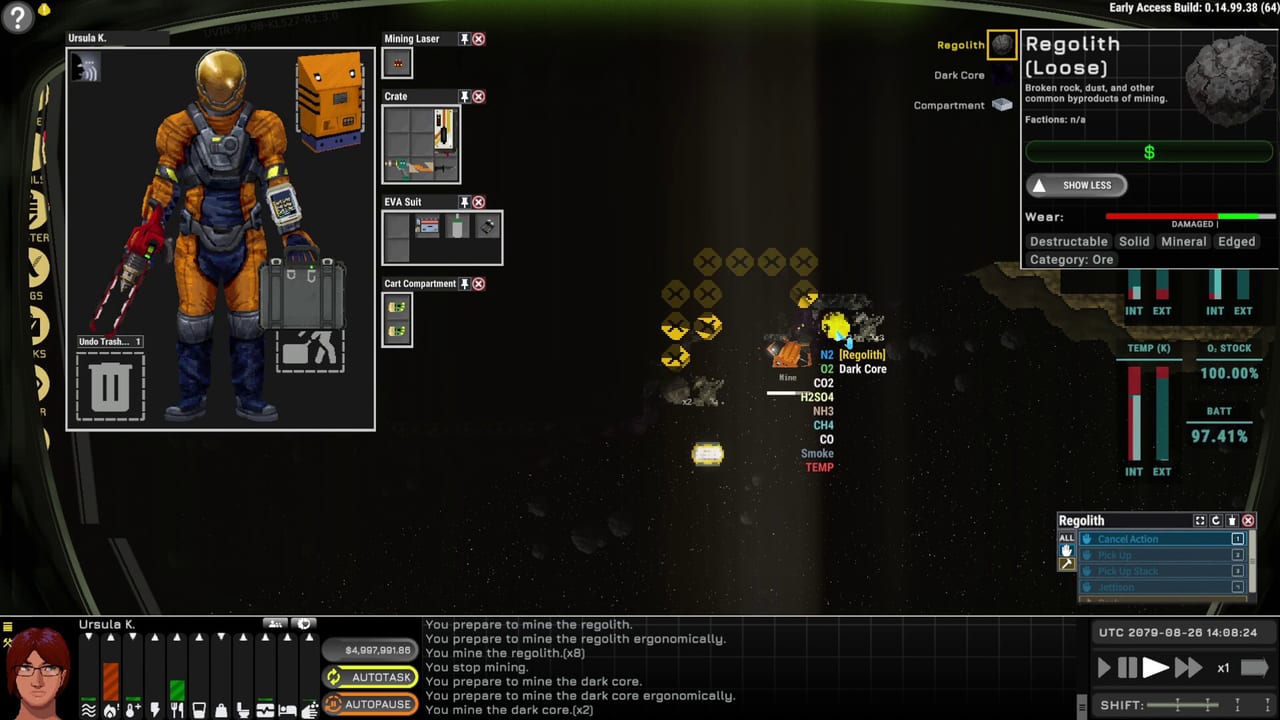
The PDA is the operational brain of Ostranauts when you are not at the nav console. Blue Bottle Games wraps construction, crew AI, finance reminders, and tutorial objectives into a smartphone-style menu anchored on the left UI strip. Single-player captains after the 2026-08-03 1.0 launch rely on these apps to scale from solo wrench-turning to multi-crew salvage tugs — and to avoid hauling loot into the wrong sell zone.
Most PDA functions work without a physical PDA item equipped, though PASS taxis, some files, nav map links, and Vizor modes expect the wrist slot filled. This page covers Goals, Roster, Tasks, Install, Orders, Zones, and forbid interactions. For camera and inventory hotkeys, see Keybinds; for flight, see Nav Console.
PDA Home and left-rail apps
Seven buttons on the left rail cover daily workflows; Home opens the full app drawer.
| App | Purpose |
|---|---|
| Goals | Active and completed objectives, including tutorial beats |
| Roster | Crew shifts, permissions, work priorities for AI |
| Tasks | Live queue of manual and AI-scheduled jobs |
| Install | Place equipment placeholders on the ship grid |
| Orders | Bulk uninstall, haul, repair, dismantle, and cancel |
From Home you also reach Inventory (I), Zones (N), PASS station taxi, Vizor (X / L), social feeds, files, and notes/timers. Treat Goals as canonical when you forget whether mortgage warnings already fired — the game surfaces shift-end debt reminders there and in finance popups.
Goals and tutorial tracking
Goals list current objectives with expandable detail. Tutorial goals walk OKLG dorm life, tool use, nav console repair, and first undock. Career-specific goals may nudge permit purchases or gig kiosk deliveries.
Goals do not replace system guides. When a goal says restore atmosphere, open Manage Atmosphere rather than guessing pump routing. When a goal mentions salvage income, read How to Salvage for permit math tied to Ship Mortgage pressure.
Roster: shifts, permissions, and AI handoff
Roster configures who works when. Shifts align with the global six-hour clock that triggers mortgage and dock ledgers. Assign permissions so AI crew can access tools, rooms, and consoles you intend — and forbid rooms you do not.
The bottom panel AI toggle yields captain control to automated behavior. Useful for sleep or long hauls, dangerous if zones and orders are wrong. Before you hire, read Hire Crew for death pay obligations — upfront compensation owed if crew die on your watch.
Tasks: reading the live queue
Tasks mirrors work in progress: construction placeholders, haul paths, repair jobs, social appointments, and passive needs like sleep. Tasks skipped when prerequisites fail — missing tools, unreachable tiles, forbidden zones — so a stagnant Tasks list is a debugging signal.
Common fixes:
- Place required tools in accessible lockers
- Clear forbid flags on corridors
- Ensure captain presence for Install orders (see below)
- Verify power to automated workshops
Cross-check stalled jobs against the salvage run checklist if EVA prep blocked haul completion.
Install menu: placeholders and rotation
Install opens the Crew Orders & Building menu in placement mode. Select an item, click tiles to drop a ghost placeholder, press R to rotate before confirming. Rotation resets after each placement — plan symmetry before spamming floor tiles.
Install requires the controlled character on the ship or station where work occurs. You cannot remote-place walls on a derelict while your captain drinks at Mescaform unless AI permissions and presence rules allow.
Large projects — fusion reactor rings, towing brace clearance, cargo bay expansions — should follow Ship Building and Fusion Torch Drive so you do not brick airtight paths.
Orders menu: filters, actions, and painting
Orders opens the same building menu in task-queue mode. Two inputs drive each command:
- Filter (bottom) — what item types are eligible on selected tiles
- Action (top) — what to do with filtered targets
Filters include WALL, FLOOR, CONDUIT, CAN (gas canisters only), EQUIP (installed gear and furniture), and LOOSE (uninstalled items and salvage). Click a tile or drag to paint multi-tile selections — essential for stripping derelict corridors or mass-hauling loot.
Actions include:
| Action | Effect |
|---|---|
| CANC | Cancel all orders on tile, including builds |
| UNIN | Uninstall installed items |
| SCRA | Quick break for scrap |
| REPR | Restore worn or repair damaged items |
| DISM | Careful dismantle for component yield |
| HAUL | Mark loose items for zone routing |
DISM versus SCRA is an economy choice: dismantle when components matter; scrap when time beats value. See salvage economy for pricing context.
Orders excel at scale. A solo captain stripping a destroyer without Orders spends real hours; with Orders and correct zones, AI hauls while you fly.
Zones, forbid, and haul routing
Zones (N) define where HAUL deposits items and which rooms restrict NPC pathing. Misconfigured zones cause:
- Loot piling in bedrooms instead of cargo
- Sell-zone accidents that trash rare components
- Crew suffocating in forbid-sealed repair bays
Set a dedicated cargo zone before your first mass haul. Set sell zones near license kiosks only when you intend same-shift vending. Use forbid on airlocks, reactor rooms, and captain quarters.
OKLG dorm storage teaches zone basics; apply the same discipline on your mortgaged hull before Rescue When Stranded trips strand loot in unreachable tiles.
Install versus Orders: when to use which
| Situation | Use |
|---|---|
| Place new wall, machine, or conduit | Install |
| Strip wreck interior in bulk | Orders → UNIN + LOOSE |
| Repair worn panels across deck | Orders → REPR + FLOOR/WALL |
| Move salvage to cargo | Orders → HAUL + LOOSE, then Zones |
| Cancel a stuck ghost build | Orders → CANC |
Both menus share tool and haul automation — the AI fetches wrenches and hauls parts if paths and permissions allow. If tasks skip, hover QAB repair actions on a sample tile to read missing tool warnings.
PDA workflow with builds and debt
Starter careers differ in how fast you must automate. Starter Careers Shipbreaker runs often manual early; coffin starts demand Orders before you suffocate sorting loot by hand. Mortgage pressure from Ship Mortgage means idle Tasks are lost income — queue hauls before you sleep via SFF.
Use the mortgage shift planner alongside Tasks to ensure shift end does not arrive mid-haul chain.
Related pages
- Controls hub — full control stack
- Keybinds — I, N, R, QAB 1–4
- Getting Started — first OKLG hour
- How to Salvage — permit and uninstall order
- Tools hub — printable haul and atmosphere lists
Frequently Asked Questions
Quick answers for spacers who want to stay alive.
Why will Install not let me place items on my ship?
Install requires your controlled character to be present on that ship or station. Remote placement from OKLG bars fails unless AI and permission rules allow autonomous building.
What is the difference between Install and Orders?
Install places new equipment placeholders. Orders queues bulk actions like uninstall, haul, repair, dismantle, or cancel on filtered tiles. Both share the Crew Orders and Building menu shell.
How do I stop crew hauling items to the wrong room?
Open Zones with N, define cargo and sell areas explicitly, and forbid rooms that must stay clear. Then rerun HAUL orders so AI picks up the updated routing.