Ostranauts Zones and Hauling
Fix idle crew by giving every haul a legal destination zone
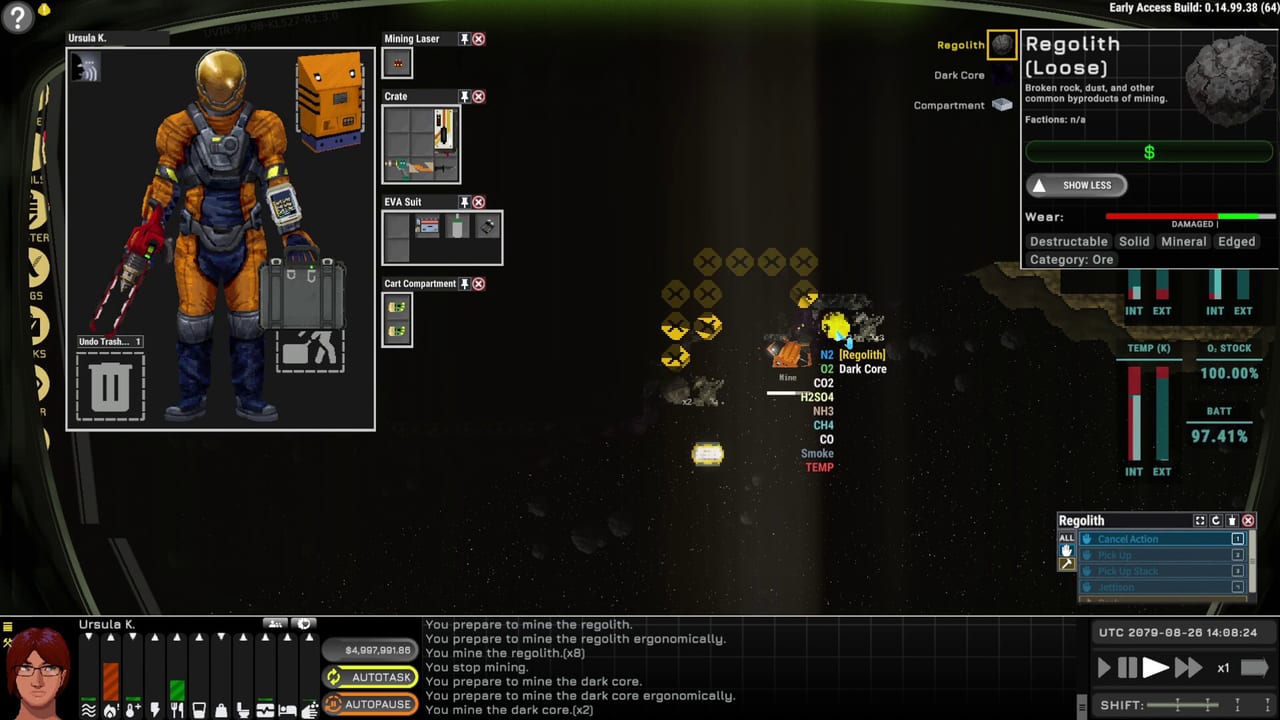
Nine times out of ten, “broken” crew AI is a zones problem. Hotkey N opens zone painting. Zones decide where hauled items go, which inventories participate in trade, and which tiles NPCs must not enter. A haul order with no destination zone is incomplete — the worker has nowhere legal to put the crate, so they stand still while you swear at the roster.
This guide explains zone types, haul workflows, barter pitfalls, forbidden-zone pathfinding, Work versus Free shifts, and how 1.0 AI patches changed stacking and battery chores. Pair with Hire Crew, crew AI, and Ship Building.
Open zones and paint with intent
Press N (Zones). Paint tiles that match the job:
- Haul / stockpile destinations — where uninstall loot and install parts should land.
- Barter / trade zones — inventories the game treats as sellable or kiosk-linked stock.
- Forbidden zones — keep guests, pirates, or clumsy NPCs out of reactors and airlocks.
Ownership and permissions matter. Painting a pretty rectangle that your crew lacks rights to use still produces idle animations. After painting, issue haul or install orders and watch the Tasks tooltip for the last failed action when someone refuses.
The idle crew checklist
When a hire freezes:
- Confirm they are on a Work shift, not Free or Sleep — only Work picks up queued labor.
- Check the order still exists and points at a real object.
- Verify a destination zone exists with free tile space and legal ownership.
- Clear forbidden tiles blocking the path to that zone.
- Narrow duty priorities so they stop sweeping floors instead of repairing the reactor.
- Read the Tasks tooltip for the exact failure (no space, forbidden, missing tool, blocked door).
Post–Fire in the Hold AI patches improved bulk gathering: haulers try to scoop nearby items before round-tripping, and install/repair jobs gather ingredients first. Stacking against zone edges was also fixed — if your save predates those patches, re-paint messy stockpiles after updating.
Barter zones versus carried sales
Cargo pods and bulk goods interact badly with zone sales. Community economy notes show pods can sell for roughly 44% less from some zones than when carried individually to a kiosk (example ballpark: ~$15k versus ~$27k). Always preview the subtotal before confirming.
Gig turn-ins and salvage kiosk sales are not the same as dumping everything into a barter paint. Read Gigs and Gig Nexus and salvage economy before you “optimize” yourself into a loss.
Forbidden zones and pathfinding
Forbidden paint protects reactors, bridge, and private quarters. After the PASS/AI patches, pathfinding no longer fails merely because a path touches a forbidden zone meant for someone else — but NPCs still will not interact with use-coordinates inside forbidden tiles. Do not forbid the only floor tile in front of the soldering bench your engineer must use.
Boarding threats and station visitors respect paints differently than your roster. Keep airlock antechambers clear enough for EVA staging without inviting looters into the reactor alley.
Shifts, duties, and haul spam
Crew run Work, Free, and Sleep blocks. Flooding the queue with fifty haul micro-orders during Free time teaches nothing — they wait for Work. Use roster duty priorities so EVA cutters are not also marked as full-time janitors.
Battery and O2 bottle replacement permissions in Roster (post-1.0 QoL) let AI recharge tools and suits. Leave those on for captains who want autonomous maintenance; turn them off if micromanaging every cell.
Zones during ship expansion
Expanding floors without updating zones strands both humans and AI. When you grow a cargo bay:
- Install airtight structure first — Ship Building.
- Repaint haul destinations onto the new tiles.
- Move barter zones away from leaky temporary corridors.
- Run one supervised haul before you walk away to the nav console.
Atmosphere work overlaps: a haul into a vacuum bay can kill crew who removed helmets. Keep Manage Atmosphere and the atmosphere checklist in the loop.
Related pages
- Hire Crew — contracts and roster basics
- PDA and Orders — issuing work
- How to Salvage — uninstall then haul loot
- Systems hub — AI behavior depth
- PASS and Gigs Rebalance — AI haul and pathfinding notes
Frequently Asked Questions
Quick answers for spacers who want to stay alive.
Why is my Ostranauts crew just standing around?
Usually the haul has no valid destination zone, they are not on a Work shift, or a forbidden/path issue blocks delivery. Open Zones with N and read the Tasks tooltip for the last failure.
What does the Zones hotkey do?
N opens zone painting for haul destinations, barter/trade areas, and forbidden tiles that control where items and NPCs can go.
Should I sell cargo from a barter zone?
Preview the subtotal. Bulk pods often sell for less from zones than when carried to a kiosk individually — confirm before you confirm the sale.