Ostranauts Crew AI & Roster Management
Shifts, autotask, duty priorities, forbid zones, and the needs that override your orders
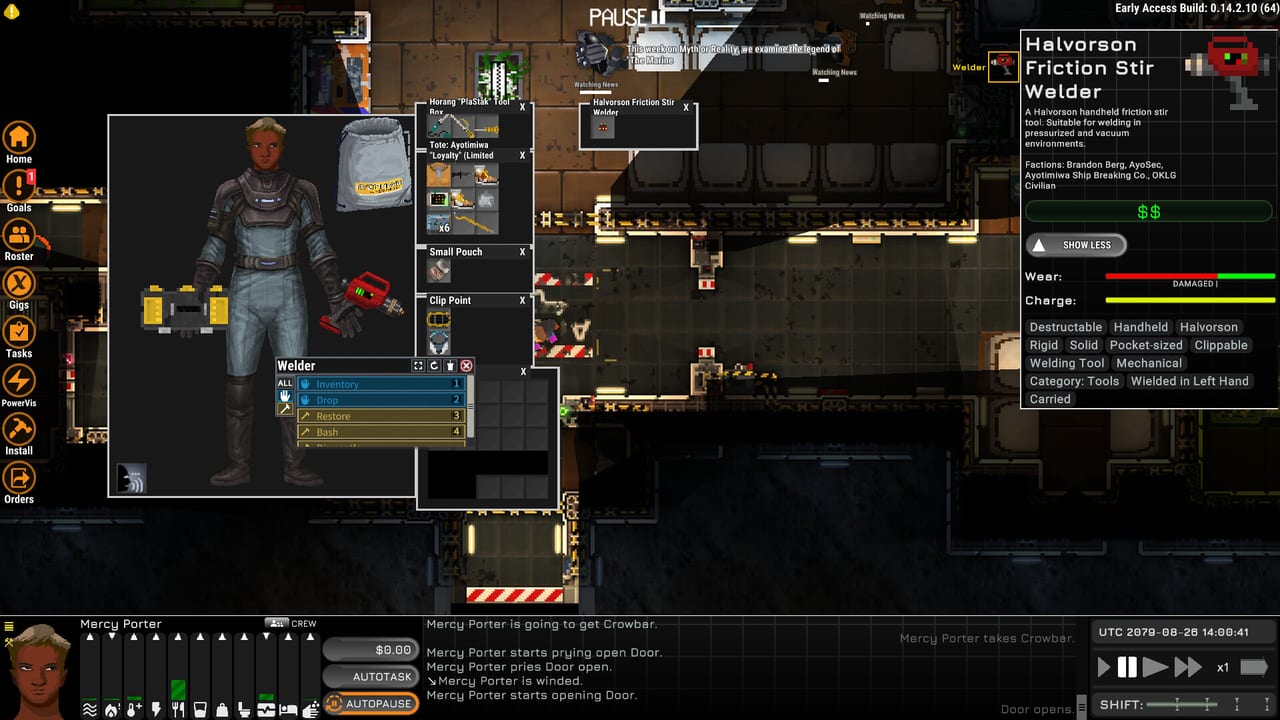
Crew in Ostranauts are cheap labor with expensive consequences. Hire a mechanic for pocket change per shift and you still owe death pay — a large escrow paid to a third party when signing on, forfeited if the crewmember dies under your command, refunded if they quit cleanly. Once aboard, each NPC runs a needs-driven simulation: hunger, thirst, oxygen, fatigue, hygiene, moodlets, and Autonomy all compete with your Install queues and salvage hauls.
This page explains how the Roster app, Autotask, duty priorities, and forbid zones shape that behavior. Negotiation and hiring flows live in Hire Crew; keeping them breathing ties back to Life Support Parts.
Roster shifts: Work, Free, and Sleep
Open the Roster application to paint each crewmember’s day hour by hour. Three shift types govern what AI will attempt:
Work Shift (orange) — Crew follow Build Orders, Install placeholders, and Action Orders while Automatic Behavior is enabled. Manual control during Work shifts is allowed — you can puppet a specialist through a delicate uninstall — but constant micromanagement has social costs (see Autonomy below).
Free Shift (black) — Characters prioritize personal moodlets and bodily needs. They may eat, drink, socialize, or nap. They decline manual orders classified as work — repair, restore, install, uninstall — even if you click desperately. They will still operate a nav console when asked, which matters for multi-ship ops.
Sleep Shift (blue) — Functionally similar to Free for rest recovery. Schedule Sleep after long EVA days or combat sorties so Repair duty does not queue behind exhausted AI.
Untime — No Work shifts can be assigned during Untime hours; respect the clock or your orders silently fail.
Captains often mirror their own schedule: Work while stripping derelicts, Free while docked at OKLG selling salvage, Sleep during deep transit with autonav engaged.
Autotask and the Orders pipeline
The Autotask toggle lets AI take over the selected character — player or crew — and behave like an automated worker. During Work shifts with Autotask on, crew pick up queued tasks the same way you would: hauling loose loot, restoring damaged pumps, executing mass REPR or DISM filters from the Orders menu.
Orders divide into two windows accessed from the hull:
- Install — Places rotated placeholders for hull parts and equipment; AI gathers tools and materials if paths exist.
- Orders — Mass actions on filtered targets: UNIN, DISM, REPR, HAUL, SCRA, etc.
Tasks skip silently when tools, materials, or pathing fail — a crewmember standing idle often means a blocked corridor, missing wrench, or forbid zone — not laziness.
Player characters can Autotask too; treat it as delegating your captain to the same rules crew obey.
Duty priorities (1 highest – 4 lowest)
In Roster, open Duties per character to rank task classes. When multiple orders compete, lower numbers win. Typical duty categories include:
- Firefight — Emergency response when flames or breaches trigger.
- Patient / Doctor — Medical triage when health conditions spike.
- Operations — Ship-wide operational tasks and console-adjacent work.
- Construct — Building placeholders and hull expansion.
- Repair / Restore — Fixing damaged installed gear or loose salvage.
- Haul — Moving uninstalled items to designated stock zones.
- Clean — Hygiene and clutter control — low priority until morale collapses.
- Cook, Flick (power toggling), and other support roles fill specialized niches.
Example salvage-heavy roster: Haul at 1, Repair at 2, Construct at 3, Clean at 4. Refit-focused roster: Construct at 1, Repair at 2, Haul at 3.
Crew with nothing matching their priorities may still perform incidental maintenance if tools are available and Autotask remains on — but do not rely on that instead of explicit HAUL zones after a boneyard return.
Forbid zones
Forbid zones paint invisible walls AI will not cross — even if the shortest path to a repair order leads through the marked tiles. Use them to:
- Seal breached compartments mid-EVA while crew continue restoring the bridge.
- Keep haulers out of airlock cycles during pump tests.
- Protect unfinished wiring closets from cleaners dragging parts away.
Forbid is not faction reputation — it is local pathing law. Combine with Restore permission toggles in Roster (whether unmarked restore orders auto-queue) to prevent crew from “helpfully” fixing a derelict module you planned to sell intact.
Needs, moodlets, and Autonomy
Crew hunger and thirst often resolve automatically if galley and water access exist — until you lock them on a salvage ship without provisions. Hygiene and sleep matter on multi-day burns; filthy, exhausted NPCs stumble through EVA and die in suits you forgot to recharge.
Autonomy tracks how controlled a crewmember feels. Your player captain ignores autonomy loss from micromanagement; NPC crew do not. Spamming direct movement and manual tasking during Work shifts drains Autonomy until characters ignore orders, fail social checks, or act out despite orange shift hours.
Best practices:
- Queue structured Orders, enable Autotask, and review Roster instead of click-spamming paths.
- Schedule Free hours for emotional recovery — especially after combat near Ceres.
- Assign spare EVA suits, tools, and suit chargers before Autotask on exterior work.
- Match Duties to the phase: Haul-first after derelict trips; Repair-first during docked refits.
Direct control and multi-ship rosters
Press Tab or click a crewmember to swap direct control — even across ships if your campaign spans multiple hulls. Direct control bypasses some AI hesitation for precision uninstalls, but remember Free/Sleep shift refusals still apply.
A debug checklist exists in-game for stuck crew — use it after verifying forbid zones, shift colors, tool access, and pathable routes.
Economic reality: why AI beats solo labor
Crew wages are trivial compared to death pay risk, yet a well-scheduled mechanic finishes Ship Building refits while you fly sales runs to the Licensed Kiosk. Solo captains earn more per credit in early OKLG days; AI captains scale into multi-room torch ships without 40-hour real-time wiring sessions.
Death pay means every suit breach is a six-figure emotional hit — keep atmosphere alarms linked before you enable Autotask on exterior DISM orders.
Related pages
- Hire Crew — negotiation, death pay, befriending
- Systems hub — salvage loop feeding payroll
- Salvage Economy — paying mortgages with crew aboard
- Ship Building — Install queues crew execute
- Manage Atmosphere — keeping AI alive in pressurized hulls
Frequently Asked Questions
Quick answers for spacers who want to stay alive.
Why will my crew not repair during Free Shift?
Free and Sleep shifts block work-class orders — repair, install, uninstall, restore. Switch the hour to Work Shift (orange) or wait until the schedule returns to Work before expecting Autotask repairs.
What do forbid zones do in Ostranauts?
They mark tiles AI treats as impassable, blocking pathing to orders beyond the zone. Use them to seal hazards or protect airlocks while other duties continue elsewhere.
Does micromanagement hurt crew performance?
Yes for NPC crew. Sustained direct control lowers Autonomy and can cause ignored orders. Queue tasks, set duty priorities, and use Autotask during Work shifts instead of constant manual steering.